Resetting the electric bike controller can feel confusing, especially if you’re not a technician. But sometimes, your e-bike may not work properly, or it shows error codes. In these cases, a reset can be the quickest solution. This guide explains the steps, common mistakes, and why resetting is sometimes necessary.
Even if you’re new to electric bikes, you’ll learn how to safely reset your controller and avoid common pitfalls.
Understanding The Electric Bike Controller
The electric bike controller is the brain of your e-bike. It manages power from the battery to the motor, controls speed, and handles safety features. If the controller glitches, your bike may not start, show error codes, or run poorly. Reasons for needing a reset include:
- Error codes on the display
- Unresponsive throttle or pedal assist
- Battery not detected
- Sudden power loss
Simple resets fix many of these issues. However, always check your bike’s manual first, as some brands use special reset methods.
When Should You Reset The Controller?
Most riders reset their controller when:
- The e-bike doesn’t turn on, even with a charged battery.
- The display shows unknown or repeating error codes.
- The motor stops working with no clear reason.
- After replacing parts like the battery or throttle.
- Software updates have just been installed.
If the controller smells burnt or there’s visible damage, do not try to reset it. Seek professional help.
How To Reset Electric Bike Controller: Step-by-step
Follow these steps to safely reset your controller. This process applies to most e-bikes, but always check for model-specific instructions.
1. Turn Off The E-bike
Always turn off the power before working on your e-bike. This prevents electric shock or damage.
2. Disconnect The Battery
Remove the battery from the frame. Wait at least 2-5 minutes. This gives the controller time to discharge any stored energy.
3. Reconnect The Battery
After waiting, carefully reconnect the battery. Make sure the connectors are clean and secure. Loose connections can cause errors.
4. Power Up The E-bike
Turn on the e-bike. Check if the display starts normally. Often, this simple reset clears most temporary faults.
5. Check For Error Codes
If errors remain, consult your manual for the meaning of each code. Some controllers need a specific button sequence to reset errors.
6. Perform A Hard Reset (if Needed)
Some models require a hard reset. This means holding down certain buttons on the display or controller while turning on the bike. For example, you might need to hold the ‘+’ and ‘-’ buttons together for five seconds as you power up.
7. Test All Functions
Check the throttle, pedal assist, and lights. Ride slowly to see if all systems respond normally. If problems continue, the controller may have a deeper fault.
Popular Controller Types And Reset Methods
Controllers vary by brand and model. Here’s a comparison of common controller types and their reset approaches.
| Controller Type | Reset Method | Common Use |
|---|---|---|
| Sine Wave | Battery disconnect, button hold | Mid-range e-bikes |
| Square Wave | Simple battery removal | Budget models |
| Vector/Smart | Menu-based software reset | High-end e-bikes |
If you’re unsure about your controller type, check your bike’s manual or the label on the controller box.
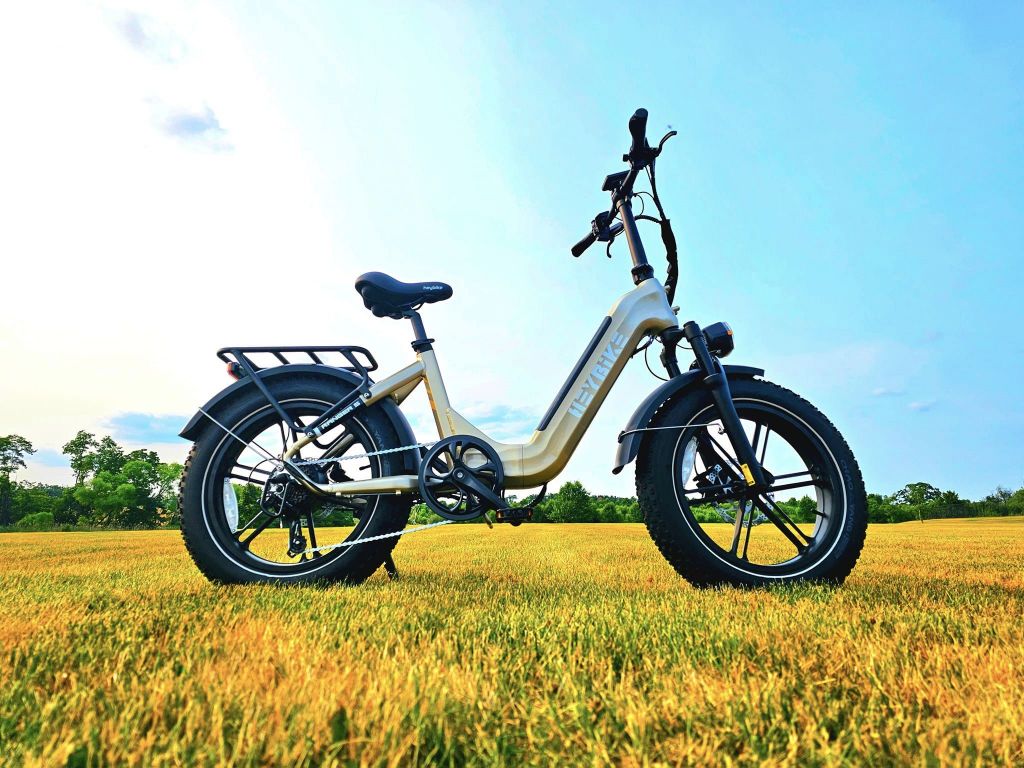
Credit: www.heybike.com
Common Mistakes To Avoid
Resetting a controller is simple, but mistakes can cause bigger problems. Here are errors to watch out for:
- Forgetting to turn off the bike before removing the battery
- Shortening the wait time after battery removal
- Forcing connectors together, which can break pins
- Ignoring burnt smells or melted wires (these are signs of serious damage)
- Skipping the step-by-step check after reset
Many beginners also miss the importance of cleaning connectors. Dust or dirt can block signals, so always check for clean, shiny metal contacts.
What If The Reset Doesn’t Work?
Sometimes, a reset is not enough. If your e-bike still shows problems, consider these steps:
- Check all wiring: Loose or broken wires can mimic controller problems.
- Test the battery: Low voltage or a faulty battery can stop the controller from working.
- Inspect the display panel: Displays can fail separately from the controller.
- Try another controller: If possible, swap with a known working unit to rule out hardware failure.
If you’re not comfortable with electronics, it’s best to visit a certified e-bike service center. Modern controllers can be complex and expensive to replace.

Credit: macfoxbike.com
Example: Resetting A Bafang Controller
Bafang controllers are popular in many e-bikes. Here’s how you reset a typical Bafang unit:
- Turn off the bike and remove the battery.
- Wait at least 2 minutes.
- Press and hold the ‘Mode’ button on the display.
- While holding, reconnect the battery and power on.
- Release the button after 5 seconds.
This process clears most minor faults. If the bike still doesn’t work, consult the official Bafang support site.
Comparing Manual Vs. Software Reset
Some advanced e-bikes support resets through their display menu or a mobile app. Here’s a quick comparison of manual and software reset methods:
| Reset Type | Advantages | Disadvantages |
|---|---|---|
| Manual (Battery Disconnect) | Simple, no tools needed | May not clear all faults |
| Software/App-Based | Can access advanced settings | Requires compatible app/device |
If your e-bike supports a mobile app, follow instructions from the official app or website. For example, Bosch e-bike systems offer official guidance at their help center.
Signs Your Controller Needs Replacement, Not Reset
Sometimes, resets can’t fix a failing controller. Signs you may need a new controller include:
- Burning smell or heat from the controller box
- Persistent error codes after multiple resets
- No display activity, even with a charged battery
- Flickering or dead lights
- Repeated power cutouts during riding
If you see these warning signs, stop riding and consult a professional. Continuing to ride could damage other parts.
Practical Tips For A Smooth Reset
- Take photos of wiring before disconnecting anything.
- Clean all connectors with a dry cloth before reconnecting.
- Never use water or spray cleaners on the controller.
- Store your e-bike in a dry place to prevent corrosion.
- Read the full manual for your exact model before starting.
Many beginners think resets are always the solution. But sometimes, careful inspection reveals a loose wire or dirty connector is the true cause.

Credit: macfoxbike.com
Frequently Asked Questions
Why Does My Electric Bike Controller Need Resetting?
Controllers can freeze or show errors after power surges, battery changes, or software updates. A reset clears temporary faults and helps the system start fresh.
Will Resetting My Controller Erase Settings?
Usually, a basic reset does not erase custom settings like speed limits or assist levels. However, a full factory reset using software may restore default settings.
Can I Reset My E-bike Controller Too Often?
There’s no harm in occasional resets, but frequent issues mean there’s an underlying problem. Repeated resets should not be your only solution.
How Long Does A Controller Reset Take?
A standard reset (battery removal and reconnect) takes about 5 minutes. More advanced resets through apps or menus can take longer.
Is It Safe To Reset The Controller Myself?
Yes, if you follow safety steps: turn off the bike, disconnect the battery, and avoid forcing connectors. If you’re unsure, ask for help from a certified technician.
Resetting your electric bike controller is often the fastest way to solve common problems. With careful steps, you can get back on the road quickly and safely. Always pay attention to warning signs, and don’t hesitate to seek expert help if a reset does not work.
Your safety and your e-bike’s lifespan depend on smart troubleshooting.